Getting started with Topal WebSolution
Topal WebSolution
The Topal WebSolution is a browser based extension to the existing Topal Financial Accounting. The WebSolution is a module subject to licensing
and is delivered as part of Topal Financial Accounting. It can therefore only be operated in cooperation with Topal Financial Accounting.
As mentioned, the WebSolution can only be operated in cooperation with Topal Financial Accounting. Various functions are not part of the WebSolution
as functions related to master data, client-, user management, or creation of new accounts. This functions remain in the Topal Financial Accounting System and need
to be configured there.
The login window will be displayed (see Figure 1) when starting the WebSolution via your preconfigure URL. This page has deliberately kept simple.
As mentioned above, the login parameters are part of Topal Financial Accounting and can be configured via Server Agent or Topal Client.
In addition to the classic user ID and password input fields, there are two links available (top left and right).
Please enter your login parameters. After login, the workspace of the WebSolution becomes visible.
The initial workspace shows the general ledger grid and menu functions. The description of the menu functions can be found in the chapter Navigation main menu.
Links:
|
Company name:
|
This allows you to open your, or your trustees web site.
|
|
Contact:
|
This page contains contact information of your trustee.
|
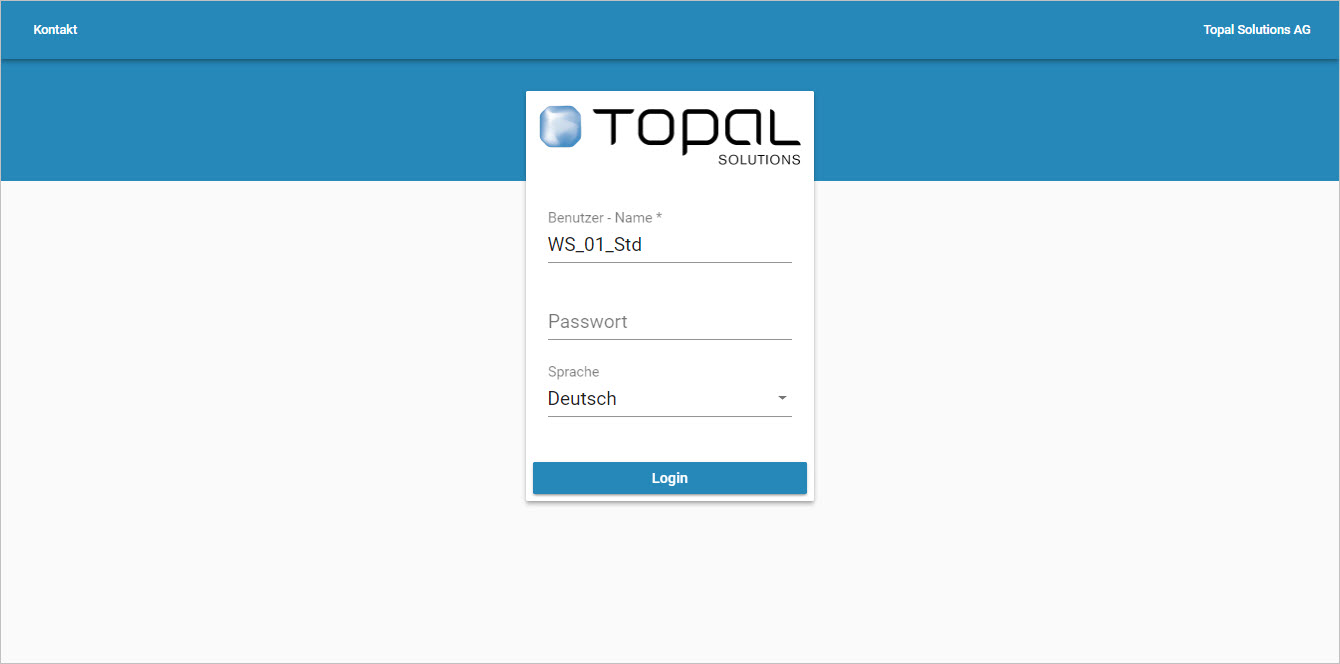
Figure 1: Login screen
The contact page provides information about the operator (trustee) of the WebSolution. The information in this page is customer specific and can be adjusted
by the operator.
by the operator.
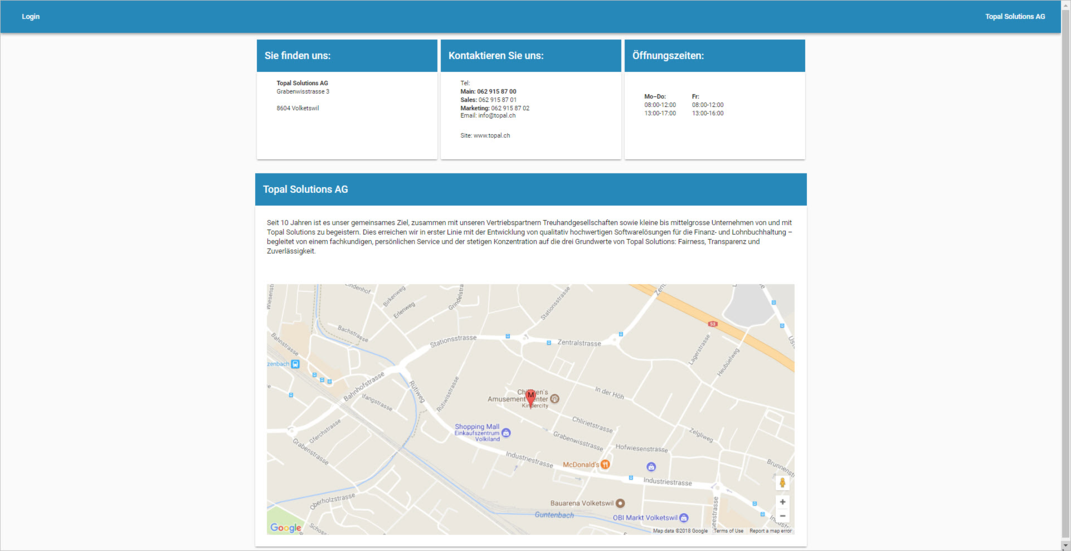
Figure 2: Contact page
The workspace displays a vertical menu bar to select clients, fiscal years, general ledger, reports, charts and the chart of accounts, as well as the last
transactions of general ledger transactions. The vertical menu bar can be hidden if desired. This can be achieved by selecting the [Pin Icon].
The vertical menu bar will "collapse" in this case and a Hamburger menu icon will be shown in the header (Figure 4). This gives you more space
in your working environment.
The vertical menu bar will "collapse" in this case and a Hamburger menu icon will be shown in the header (Figure 4). This gives you more space
in your working environment.
Restrict the number of postings or displayed columns
You have the option to limit or extend the number of postings (elements) to be shown. These settings are part of the status bar (Element Selector).
Figure 3 indicates that currently 20 bookings are being loaded per page (status bar at the bottom right). Change the number of transactions per page
by selecting the page elements (status line left). Furthermore, the columns in the grid can be switched on or off in the status bar via "Column selector".
by selecting the page elements (status line left). Furthermore, the columns in the grid can be switched on or off in the status bar via "Column selector".
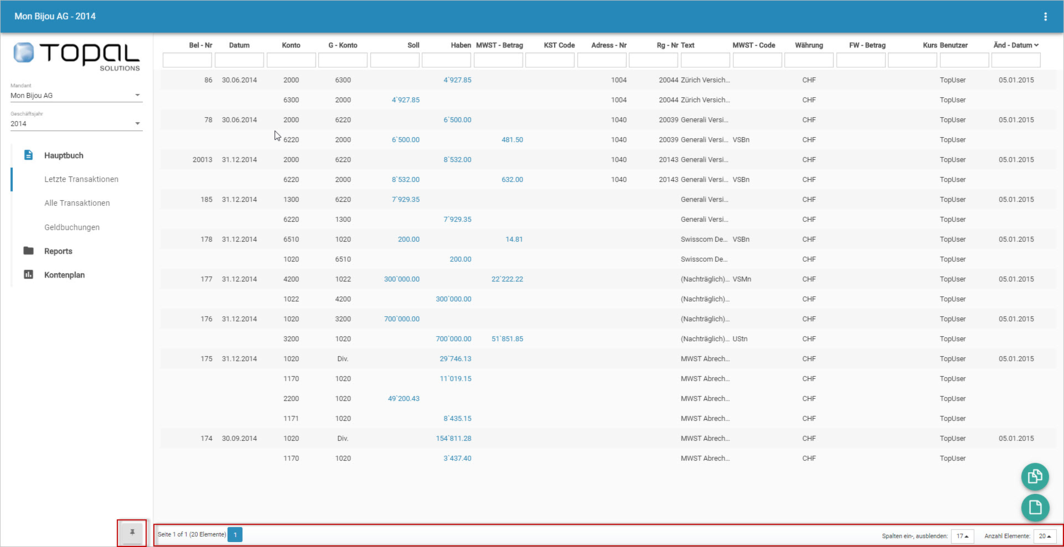
Figure 3: General ledger grid

Figure 4: Header row